Quick answer: Yes, Notion can replace a CRM for many small, service-based businesses. It can manage contacts, companies, deals, tasks, and projects in one connected workspace. Businesses with large sales teams, high call volumes, or advanced forecasting needs are usually better served by a dedicated CRM like HubSpot, Salesforce, or Pipedrive.
When people hear that our team uses Notion as a CRM, the first question is almost always the same: “Can Notion really replace a traditional CRM?”
For a lot of small businesses, it absolutely can. It just depends on how your business runs and whether you’d rather build a system that fits you than buy one that makes you fit it.
At OnCue Executive Solutions, an online business management team based in Brantford, Ontario, we didn’t choose Notion because it was trendy. We chose it because we wanted one place where our entire business could live, not just our contacts.
Here’s how we use it, where it shines, where it falls short, and who should (and shouldn’t) try it.

Yes. Notion is a flexible database platform, so you can link contacts, companies, deals, projects, tasks, notes, and documents inside one workspace.
The big difference from traditional CRM software is that Notion doesn’t tell you how your business should work. You build it around your own processes. For small teams with unique workflows, that flexibility is a huge advantage.
We tested several dedicated CRM platforms. They were powerful, but they only solved one piece of the puzzle.
A CRM could track our contacts. We still needed somewhere for projects, tasks, SOPs, client documents, event planning, team dashboards, and meeting notes. That meant juggling five platforms that didn’t talk to each other.
We wanted one connected workspace instead. So we built it in Notion.
Every client, lead, vendor, and partner has a profile showing their contact details, company, meeting notes, related deals, assigned tasks, and linked projects. No digging through three different apps to find one email address.
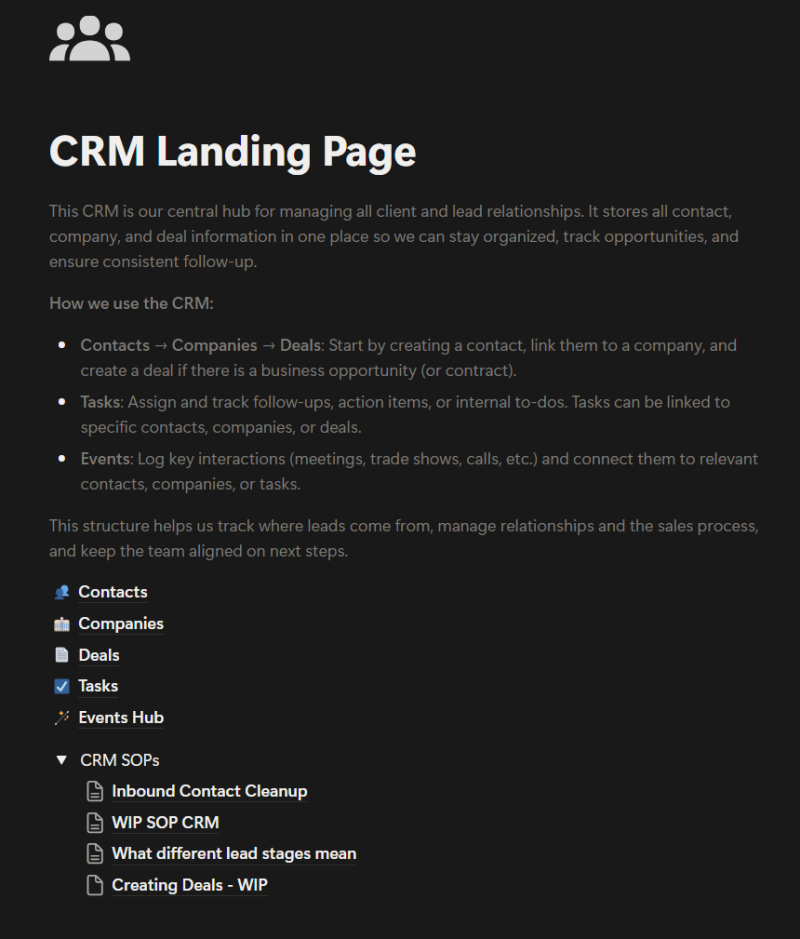
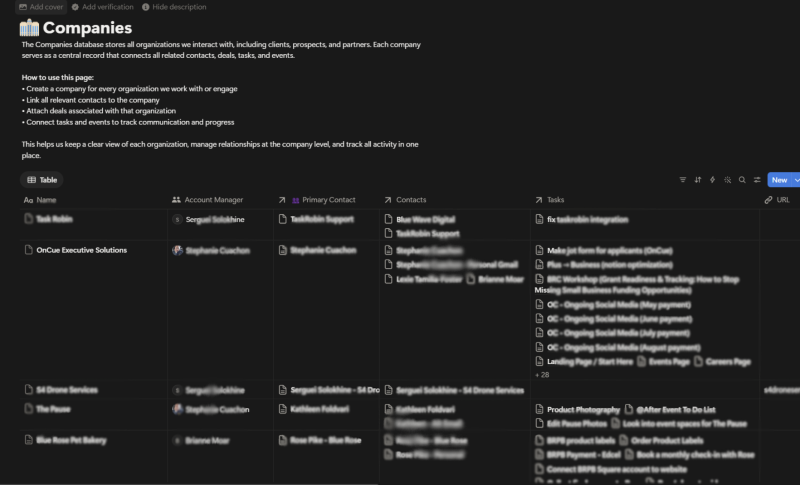
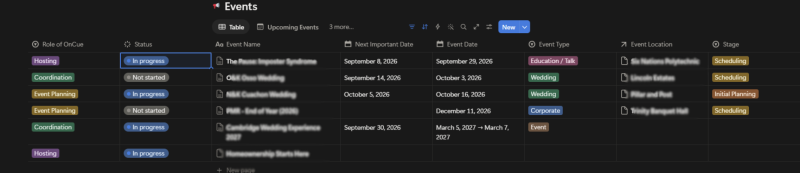
Each company page connects to its contacts, active projects, deals, documents, and notes. Whether a client works with us once or for years, we have one complete record of the relationship.
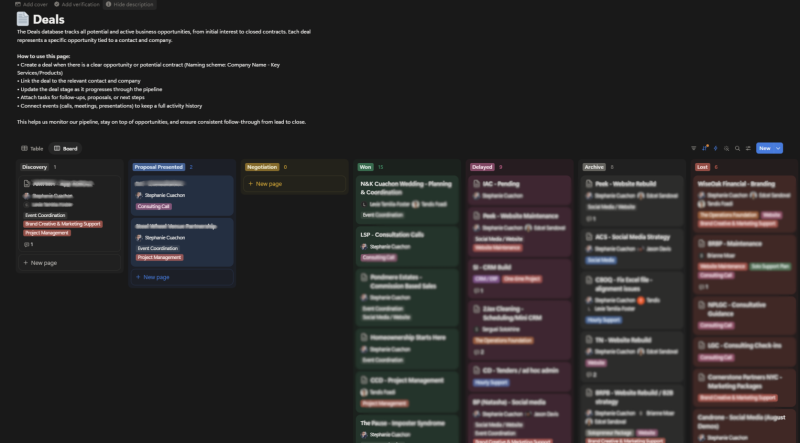
We track every opportunity from first inquiry to signed client. Each deal shows its estimated value, pipeline stage, expected close date, assigned team member, and related contacts. A board view gives us a clear picture of what’s in progress and where new business is coming from.
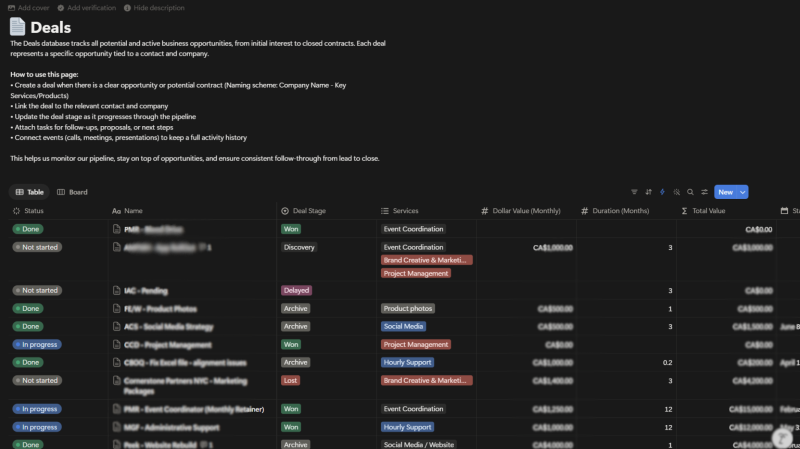
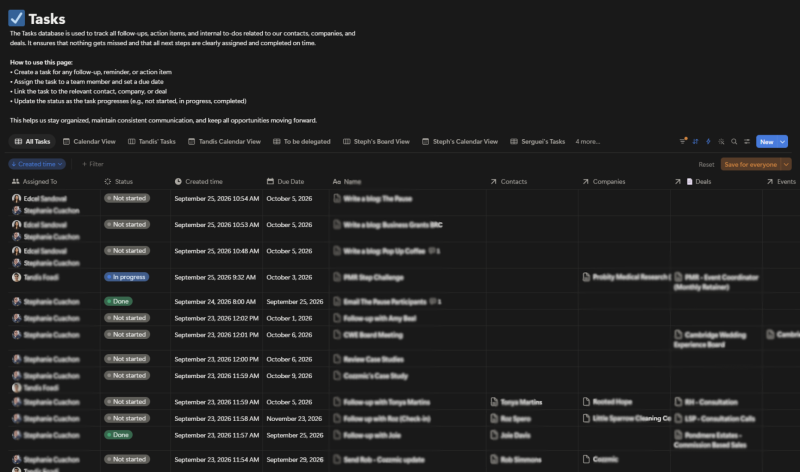
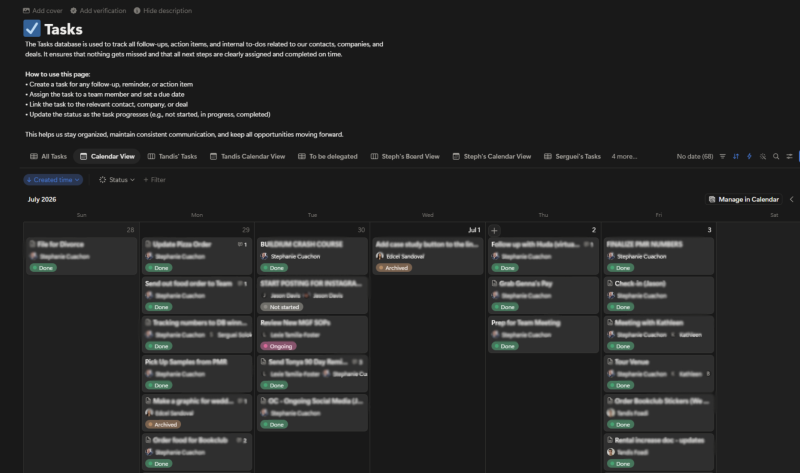
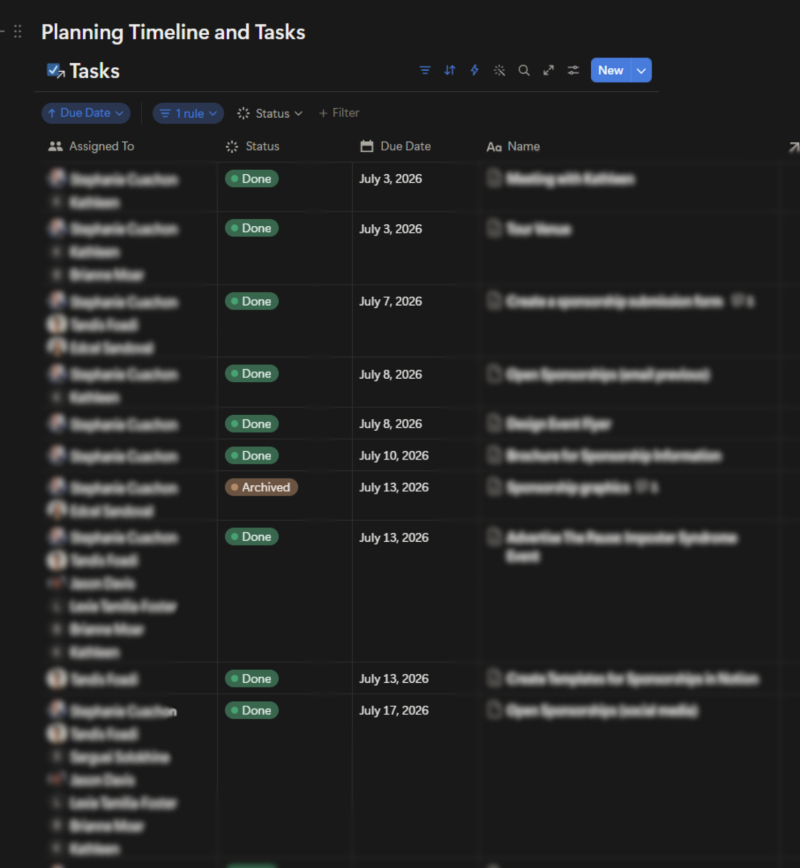
Tasks link directly to deals and projects, and we can filter them by team member, due date, client, or priority. Once a deal is won, it connects straight to the project, so nobody has to copy client details into another tool. The handoff is seamless.
This is one of our favourite parts. Our SOPs live right beside the work. Someone working on a website project can open the launch checklist, client onboarding SOP, content templates, and training documents without ever leaving the workspace.
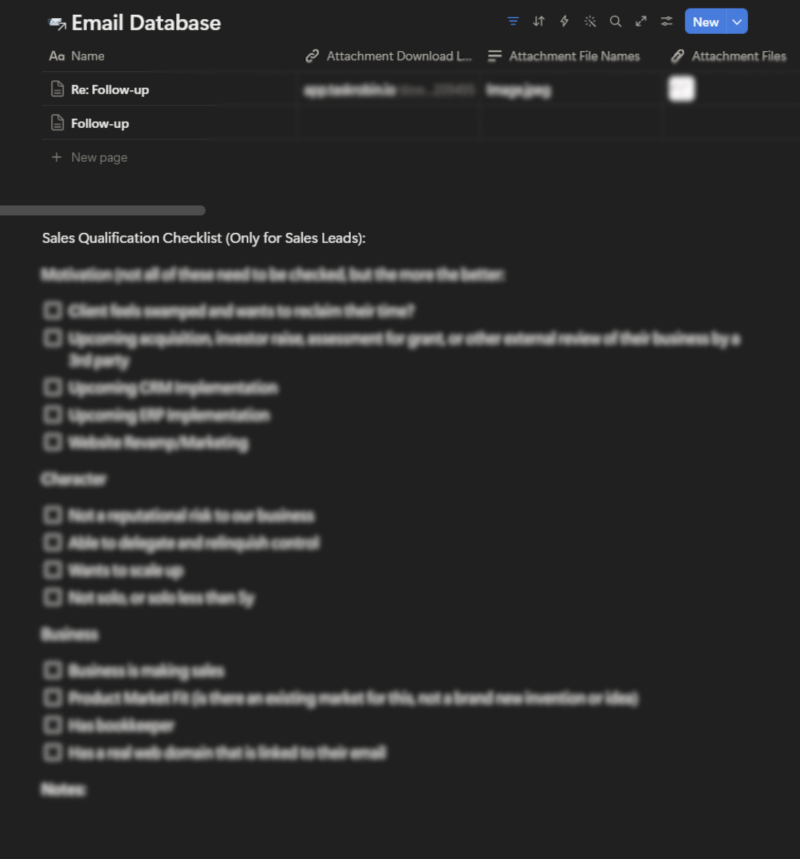
Notion gets even more powerful when it’s connected to other tools. Using Zapier, our workflows run like this:
Less copy and paste, more consistent data.
| Feature | Notion | Traditional CRM |
|---|---|---|
| Setup | Built around your process | Prebuilt structure |
| Projects and SOPs | Included in the same workspace | Usually needs a separate tool |
| Sales pipeline | Custom board views | Built in, often with forecasting |
| Email marketing | Not built in | Often built in |
| Phone integration | Not built in | Often built in |
| Reporting | Basic | Advanced |
| Best for | Small service-based teams | Larger or high-volume sales teams |
Notion is incredibly flexible, but it isn’t perfect. Depending on your business, you may miss advanced email marketing, built-in calling, sales forecasting, automated quoting, complex workflow automation, or enterprise-level reporting.
If you have a large sales team or you’re managing thousands of leads, a dedicated CRM may serve you better. And honestly? Outgrowing a tool is a good sign. It means your business is evolving.
Notion works especially well for consultants, agencies, professional service firms, event planners, virtual assistants, fractional executives, and small business owners who value flexibility. It’s a great fit if you want your CRM connected to your projects, documentation, and day-to-day operations.
A traditional CRM may be the better choice if you have a large sales team, make hundreds of outbound calls a week, need advanced forecasting or built-in calling, or rely on complex sales automation or industry-specific features.
The right software depends on how your business operates, not on what everyone else is using.
Over the years, we’ve learned there’s no such thing as “perfect” software. There’s only software that fits your business today.
We didn’t build our CRM in Notion to save money or dodge a learning curve. We built it because we wanted our systems to reflect how we actually work.
For us, relationships don’t exist separately from projects. Projects don’t exist separately from documentation. And documentation doesn’t exist separately from our team. Everything is connected, so our CRM is too.
Could we move to a dedicated CRM someday? Absolutely. The goal isn’t staying loyal to a piece of software. It’s staying loyal to the systems that help your business run well.
Yes. Notion can work as a CRM for many small businesses by managing contacts, companies, deals, notes, tasks, and projects in one customizable workspace. It’s best suited to service-based businesses and small teams rather than large, high-volume sales operations.
Not always. Notion offers more flexibility and combines CRM, project management, and documentation in one place. Traditional CRMs like HubSpot or Salesforce offer stronger sales automation, forecasting, and reporting. The better choice depends on your team size and sales process.
Yes. You can build a custom sales pipeline in Notion using a deals database, a status property for each stage, and a board view. Linking deals to contacts and companies gives you a complete view of every opportunity.
Start by creating databases for contacts, companies, and deals. Connect them with relation properties, add a status property to track pipeline stages, then create board and table views. Tools like Zapier can automate lead capture from forms.
Yes, for many small businesses. Notion can combine documentation, project management, task management, and CRM functions in one workspace, which reduces the number of tools a team has to pay for and manage.
Notion lacks built-in email marketing, phone integration, advanced sales forecasting, automated quoting, and enterprise-level reporting. Teams that depend on these features usually need a dedicated CRM.
Notion won’t replace every CRM for every business. But for many small businesses, it offers something valuable: a system built around your business instead of a business bent to fit someone else’s software.
For our team, our CRM isn’t just a place to store contacts. It’s part of a connected operating system that supports our projects, documentation, tasks, and client relationships.
Want a Notion system that actually fits the way you work? OnCue Executive Solutions helps service-based entrepreneurs in Brantford, across Ontario, and beyond bring structure to their operations. Book a discovery call↗ and let’s build a system that keeps nothing slipping through the cracks.