Quick answer: The best business organization tools are the ones that match the problem you’re solving. Most small businesses need four core tools: a CRM (like Zoho CRM or HubSpot), project management software (like Asana or ClickUp), a task manager (like Todoist), and a documentation system (like Notion). Map your process first, then choose software that supports it.
Search for the best business organization tools and you’ll find a hundred answers. One site says ClickUp. Another swears by HubSpot. Someone else insists Notion is the answer.
So which one is right? The honest answer: it depends on what you’re trying to organize. As an online business management team based in Brantford, Ontario, we help service-based entrepreneurs make this decision every week. Here’s how we break it down.
One of the biggest mistakes small business owners make is solving every problem with another app. Too many disconnected tools usually create more work:
Software should simplify your business, not complicate it. Start with your process, then choose software that supports it.
| Category | What it organizes | Popular options | Best for |
|---|---|---|---|
| CRM | Leads, clients, relationships | Zoho CRM, HubSpot, Pipedrive | Tracking leads and sales |
| Project management | Client work and deadlines | ClickUp, Asana, Monday.com, Trello | Teams juggling multiple projects |
| Task management | Daily to-dos | Todoist, TickTick, Microsoft To Do, Google Tasks | Staying on top of daily work |
| Documentation | Processes and knowledge | Notion, SharePoint, Google Drive, Zoho Learn | SOPs and team training |
What is a CRM? A CRM (customer relationship management system) is software that tracks your leads, clients, and every interaction with them in one place.
Zoho CRM is best for businesses that want flexibility and room to grow. It’s highly customizable, affordable, integrates well, and scales with you.
HubSpot CRM is best for marketing and sales-focused businesses. It has an excellent free version, is easy to use, and includes strong email marketing tools. Consider it if you generate a high volume of online leads.
Pipedrive is best for sales-driven businesses. Its pipeline view is simple, easy to learn, and backed by great reporting. Consider it if your main focus is tracking deals and closing sales.
What is project management software? It’s a shared workspace that keeps client work, deadlines, and team responsibilities moving from start to finish.
If your biggest challenge is staying on top of daily work, a dedicated task manager may be all you need. Popular choices include Microsoft To Do, Todoist, TickTick, and Google Tasks. Simple is often better.
What is documentation software? It’s where your business stores its processes, SOPs, and know-how so anyone on your team can find answers without asking.
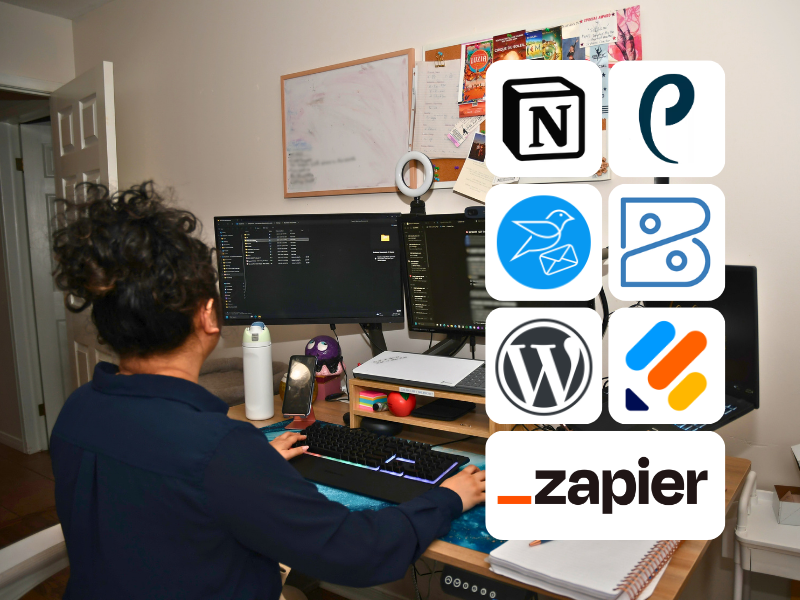
People often ask what we actually use to run OnCue Executive Solutions. Here’s our current setup:
Notion does a lot of the heavy lifting for us. Keeping our client records, processes, and tasks in one workspace means fewer places to check and less information falling through the cracks.
Could we use different software? Of course. This combination works because each tool has a clear purpose and connects well with the others.
Instead of asking “what’s the best software?”, ask these four questions:
Business owners spend far too much time comparing software. We’ve seen people research platforms for weeks before mapping how work actually flows through their business.
It’s like buying shelving before deciding what you’re storing.
Document your process first. Understand how work moves from inquiry to completion. Then choose software that supports that journey, not the other way around.
The best business organization tools depend on what you need to organize. Most small businesses benefit from a CRM↗, project management software, a task manager, and a documentation system.
There’s no single best platform. The right business management software depends on your workflow, team size, budget, and goals.
Most small businesses run well on four or five core tools that integrate with each other, rather than dozens of disconnected apps.
An all-in-one workspace suits some businesses, while others prefer specialized tools for each function. Choose the approach your team can manage consistently.
Yes. An online business manager can map your processes, recommend the right tools, and set them up for you. OnCue Executive Solutions supports service-based entrepreneurs in Brantford, across Ontario, and beyond.
Choosing business organization tools isn’t about chasing the latest software. It’s about building a system that supports how your business works. The goal isn’t to have the most software. It’s to have the right software.
Ready for systems that actually work? Our team helps service-based entrepreneurs bring structure to their operations so nothing slips through the cracks. Book a discovery call with OnCue Executive Solutions↗